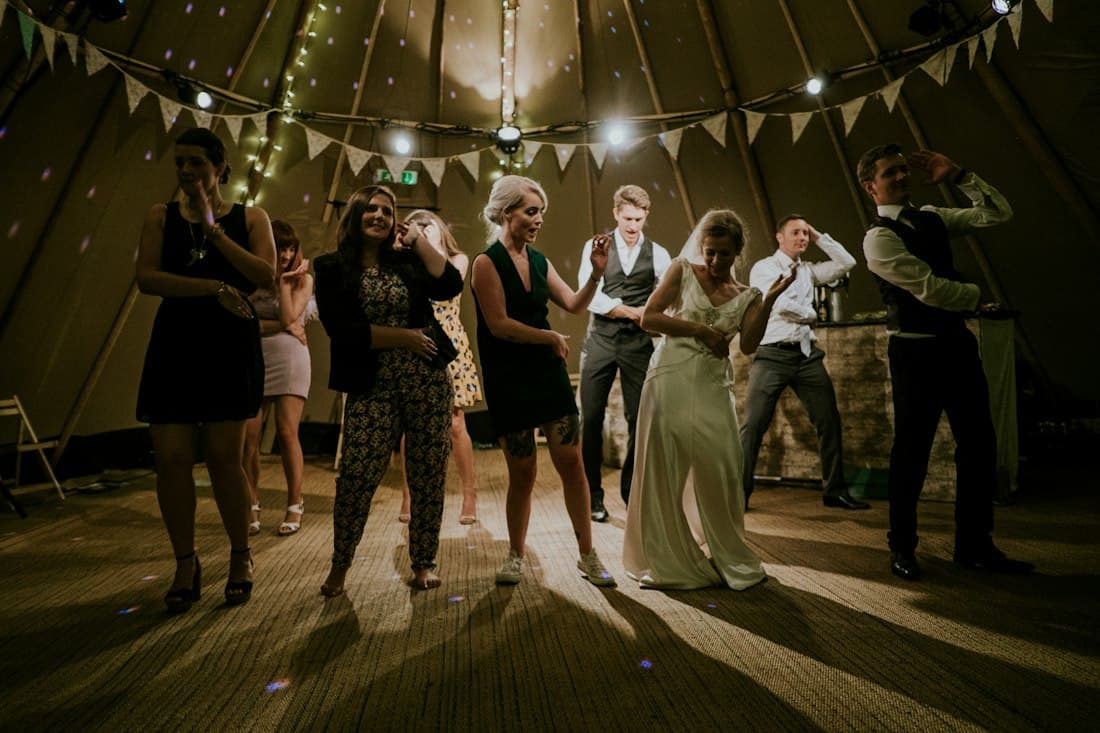
1. The live wall in the room
The most visible moment. Open the live wall on a screen or projector in the room and guests' approved photos and videos appear on their own. Videos play muted, for at most their first 18 seconds. With the public live wall link, a venue computer shows the wall without signing in. The wall respects pauses, the album closing and any reveal time. Try it on the demo wall.
In practice: book the screen or projector in advance and test the public link the day before.
2. QR codes on the tables, no explanation needed
Guests scan the QR code with their normal camera app and upload straight from the browser. There is no app to download and no account to create. Download print-ready cards, posters or table tents with the QR code and put them with the menu or on a welcome sign. An optional password can be built into the QR code, so guests do not have to type it. More in how to set up a QR code for wedding photos.
One short announcement after the ceremony or dinner ("scan the QR code on your table") noticeably increases uploads. Make it a standard line in the day's run sheet.
3. International guests join in
Weddings often bring guests from several countries. The guest page opens in the album's language and guests can switch between 7 languages themselves. Nobody has to install anything or figure out a foreign app.
4. Privacy is handled, also on the big screen
Some couples hesitate: will our photos just appear on a screen? You can reassure them with the facts (more in guest photos and GDPR):
- Per album, the host chooses what guests see in the gallery: shared (all photos), private (only their own photos) or off (upload only, no gallery). The host always sees everything.
- Photos and videos on the live wall carry no metadata. When a guest opens or saves another guest's photo, they get a cleaned copy without location, phone model, capture time or original file name.
- On Planner albums the host can approve new photos before guests and the wall see them. On every plan any photo can be hidden and the wall paused at any time.
- There are no ads, and guests need no account.
5. The couple keeps everything
After the wedding the couple downloads the complete album in one go, in original quality. Albums stay online for 12 months (Wedding and Planner) or 24 months (Plus) after the wedding, and can be extended. Nothing gets lost in WhatsApp groups.
What the venue needs
Not much: a screen or projector for the live wall, a computer with a browser, a stable internet connection in the room and the QR cards on the tables. With auto-upload on, uploads start as soon as guests pick their photos and carry on when a shaky connection comes back.
Questions
Do guests need an app or an account?
No. Guests scan the QR code with their camera app and upload straight from the browser.
Can we use this for every couple?
Yes. Each wedding gets its own album with its own link and QR codes. On the Planner plan you run unlimited weddings from one account, with your own branding on the guest pages. The Planner plan is for businesses with a Dutch KvK number or an EU VAT ID: a monthly subscription plus a fee for each wedding you create.
What does it cost our venue?
There is no separate venue plan. Venues use the Planner plan; see the current prices on the Planner page.
Does it work on poor Wi-Fi?
With auto-upload on, uploads start automatically and carry on as soon as the connection is back. Photos arrive in full quality, so a stable connection in the room still helps.