
Why photos and videos in the group chat look blurry
WhatsApp's own help centre says it plainly: "The quality of media uploaded to WhatsApp might be lower than the original version because media files are usually compressed when shared." In other words, the app sends a smaller copy, so it travels fast and uses less data.
Videos get the same treatment. WhatsApp lists a default video size limit of 100MB and 720p resolution for people on a faster connection, and 64MB and 480p resolution on a slower one. Many phones film at a higher resolution than that, so the speeches you watch in the chat are a smaller version of what was filmed.
On a phone screen you rarely notice. You notice when you zoom in, print a photo for your album or play the first dance on a TV.
What the HD option does, and what it does not
When you attach a photo or video in a chat, you can tap the HD button and choose Standard quality or HD quality. WhatsApp says HD photos and videos are clearer than Standard ones, but use more data and take longer to send. Guests can also make HD their default under Settings > Storage and data > Media upload quality.
HD helps, and it is worth asking for. It has limits, though:
- It is a setting on each sender's phone. You cannot switch it on for your guests.
- It does not fix what was already sent. WhatsApp says you can't upgrade the quality of a photo you've sent, only send it again in HD.
- The connection still counts. WhatsApp says the internet connection affects the quality of media sent and received, even in HD. Busy venue Wi-Fi is rarely the best moment to send.
- WhatsApp describes HD as clearer than Standard, not as the original file.
Sending as a document: the full file, but clumsy for guests
WhatsApp also has a Document option in the attach menu, for files up to 2 GB. A photo or video sent this way travels as a file instead of a chat photo, which is why people use it to pass on full-quality videos. WhatsApp's help centre does not describe what this does to image quality, so check one file before you rely on it.
It works for one or two files. For a whole wedding it is clumsy. Guests have to find each photo in a file picker rather than their gallery, the files land in a busy chat between jokes and voice messages, and someone still has to save every file from the chat.
Can the date the photo was taken get lost?
Every photo and video carries hidden details, such as the date and time it was taken. Photo apps use them to put the first dance after the ceremony, instead of in the order people happened to send things.
WhatsApp's help centre does not say which of these details survive in a compressed copy. If you want to see the day back in the right order, the safe choice is the original file, which still has them.
Shared albums can shrink files too
Moving from the chat to a shared album is a good step, but check the settings first. Google Photos, for example, has backup quality options. Original quality stores photos and videos "in the same resolution that you took them with no change to their quality". Storage saver compresses photos, resizes photos larger than 16 MP to 16 MP and resizes videos higher than 1080p to 1080p. Where it is offered, Express goes further, to 3 MP and 480p.
Google Photos sets backup quality per device. If guests add photos from their own Google Photos, what you get can depend on the setting on each phone.
Apple's Shared Albums depend on the software version. Apple says albums created with version 26 or earlier reduce photos to 2048 pixels on the long edge and deliver videos at up to 720p. Albums created with version 27 or later, or on the web, keep the originals at full resolution.
How to get the originals from your guests
You have a few good options. Here is how they compare with the chat itself. For a wider comparison, including disposable cameras and guest apps, see how to collect photos from your wedding guests.
A QR guest album is the easiest for guests: one code on the table takes them straight to the upload page. Read how a wedding QR code works.
| What you get | Effort for guests | |
|---|---|---|
| WhatsApp, Standard quality | A compressed copy | None, it is already in the chat |
| WhatsApp, HD quality | A clearer copy, not the original file | Low, if they remember to tap HD |
| WhatsApp, sent as a document | A file of up to 2 GB | High: a file picker, and every file saved from the chat |
| Shared Google Photos album | Depends on each guest's backup quality | Guests add photos in Google Photos |
| QR guest album such as Pixworthy | The original files, untouched | Scan, pick, upload. No app, no account |
What to tell guests in the group chat
Keep the group chat for what it does well: jokes, plans and quick snaps on the day. Then ask for the files in one short, friendly message and pin it. For example:
"Thank you for all the photos in here! Could you also add the originals to our album? Scan the QR code on the table or open this link. Videos of the speeches and the first dance are extra welcome."
- Post the message again the day after the wedding, when guests are going through their camera roll.
- Ask for videos especially. They are the clips you will want to watch on a big screen later.
- Guests who stay on WhatsApp can tap HD before sending, or switch it on under Settings > Storage and data > Media upload quality.
- Don't treat photos saved from the chat as your archive. They are the copies WhatsApp sent, not the originals.
- Ask the MC or DJ to mention the album once during the party, while the QR code is on the tables.
How Pixworthy keeps your originals
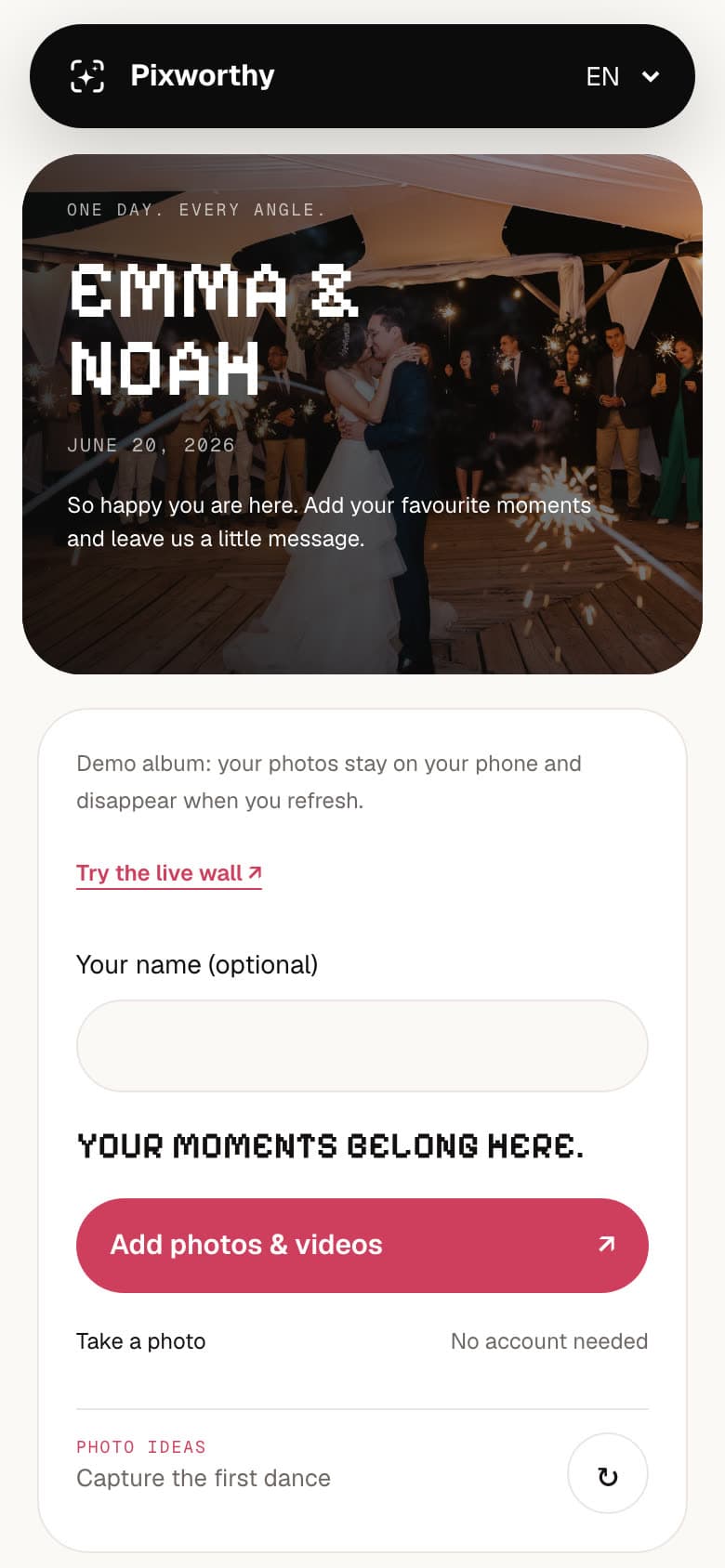
Pixworthy is a guest album behind one QR code. Guests scan it with their phone camera or open the link in their browser, choose photos or videos and upload. No app to install and no account to create.
Pixworthy never resizes, converts or compresses what guests' phones send, and your downloads contain exactly those files. That includes videos in common phone formats such as MP4 and MOV, with no limit on length. Each file can be up to 100 MB on Free, 2 GB on Wedding and 5 GB on Plus and Planner. On iPhone, guests who tap Options, then Current, in the photo picker send the full HEIC original, capture time included; the guest page shows them how.
On weak venue Wi-Fi, uploads pause and carry on when the connection is back, and files that already arrived are never sent twice. After the party you download the whole album as one ZIP. Try it yourself in the demo album.
Questions
Does WhatsApp reduce photo and video quality?
Usually, yes. WhatsApp's help centre says media files are usually compressed when shared, so they might be lower quality than the original. Choosing HD before sending gives a clearer copy.
Is WhatsApp HD the same as original quality?
No. WhatsApp describes HD as clearer than Standard quality, and says the internet connection still affects quality even in HD. For the original file, ask guests to send a document or to upload to an album that keeps originals.
How do I send original quality videos on WhatsApp?
The usual way is the Document option in the attach menu, which takes files up to 2 GB. WhatsApp's help centre does not say what this does to quality, so check one file first. For a whole wedding's worth of videos, an upload album is easier for guests.
Can I get the original of a photo already sent in the group chat?
Not from the chat. WhatsApp says you can't upgrade the quality of a photo that was already sent. Ask the guest to upload the file from their own phone, as long as they still have it.
Do guests need an app to upload originals to Pixworthy?
No. Guests scan the QR code with their phone camera or open the link in their browser, choose photos or videos and upload. They only need a password if you set one.
Should we stop using the WhatsApp group?
No need. It is great for chatting and quick sharing on the day. Use it to share your album link, and let the album collect the full-quality files.
Sources
- WhatsApp Help Center: How to send media, contacts, or location
- WhatsApp Help Center: About HD photos and videos
- WhatsApp Help Center: How to edit photos and videos
- Google Photos Help: Choose the backup quality of your photos and videos
- Apple Support: Shared Albums limits
Facts about other products were checked on their own websites on October 12, 2026. If something has changed, tell us at [email protected] and we will correct it.